Tech & Wearables

Best Bike Computers of 2026

Your phone can already track a ride, right up until the moment it can't. On a long, hot day the screen dims itself to save power, the route redraws while you're moving, and the battery percentage starts falling faster than the elevation gain. A bike computer does one job: it keeps the numbers and the map in front of you, in sun and rain, for hours, without draining the phone you might need later.

I've spent eight months riding with 11 of them, from zip-tie-and-magnet speedometers running on a coin cell to color-screen navigators that reroute on their own. The simplest units get speed, distance, and cadence right and run a season on a battery; the money above that buys mapping, sensor pairing, and wireless syncing over Bluetooth and Wi-Fi. What separates a good one from an irritating one usually isn't on the spec sheet. It's whether you can read the screen in noon sun through sunglasses, and whether it's on your bars in ten minutes or an afternoon.

#1

Garmin Edge 840

Top Pick
Garmin Edge 840

Mapped training rides

Our Score 9.0/10
Check Price

Worth Noting

  • Premium price for a bike computer
  • Deep menus take time to learn
Storage
32 GB
Controls
Touchscreen and buttons
Screen Size
2.6 inches
Battery Life
26 hours
Read the full review

The 2.6-inch touchscreen on the Edge 840 is the feature that changes the feel of the unit, but the physical buttons underneath are what make it practical. You can swipe through maps and tap a field when your hands are clean, then use the buttons when gloves or rain make the screen fussy. Garmin pairs that with multi-band GNSS, 32 GB of storage, and a rated 26 hours of battery life.

We recommend it as the best all-around computer here because it covers the whole job: mapping, turn-by-turn guidance, training metrics, and sensor pairing without making you choose between a touch interface and real buttons. Riders who follow routes, chase power numbers, and want one device for road, gravel, and mixed-surface rides get the most from it. It is more computer than a casual rider needs, but it is the one we trust to do everything.

On the bike, the screen is bright enough to read at a glance, and the button layout is easy to find by feel. The 26-hour rating means most riders can go several long rides between charges, and the 32 GB storage leaves room for maps and ride files. We also appreciate that Garmin's sensor and phone connections are broad enough to bring in heart rate, cadence, power, and phone alerts.

What keeps us coming back is how much of the ride it can hold: a route, a workout, and sensor data without a second device. The unit fades into the background once the ride starts, which is the highest compliment we can pay a bike computer. Riders who only need speed and distance should look at the CATEYE picks instead; this one earns its keep when you use the maps and training tools.

Bottom line: For riders who want one computer for mapping, training, and sensor data, the Edge 840 is our top pick; its touchscreen-and-button control and long battery make it the most complete all-rounder here.

#2

Garmin Edge 540

Garmin Edge 540

Button-controlled navigation

Our Score 9.0/10
Check Price

Worth Noting

  • No touchscreen for map panning
  • Menu system takes time to learn
Storage
16 GB
Controls
Buttons
Screen Size
2.6 inches
Battery Life
26 hours
Read the full review

The Edge 540 is the button-first route into Garmin's navigation system. It has the same 2.6-inch screen, 26-hour battery rating, and 16 GB of storage as its touchscreen sibling, but every interaction runs through physical buttons. That is either the whole appeal or a dealbreaker, depending on how you ride.

Buttons are easier to use with winter gloves, and they don't care about rain or road spray. Garmin also includes multi-band GNSS, ClimbPro, adaptive coaching, and broad sensor connectivity, so the navigation and training core is intact. The 42-hour battery-saver mode is useful for long events, and the out-front mount keeps the screen where you can see it.

We think this is the right pick for riders who prefer tactile controls and don't want to pay for a touchscreen they won't use. It tracks routes and training data without asking you to learn a new interface every season, and the buttons become second nature after a few rides. If you want the same navigation with touch, the Edge 840 is the step up; if you want a simpler route follower, the Wahoo is the alternative.

Bottom line: The Edge 540 is the Garmin we recommend for riders who want mapped navigation and long battery life with physical buttons instead of a touchscreen.

#3

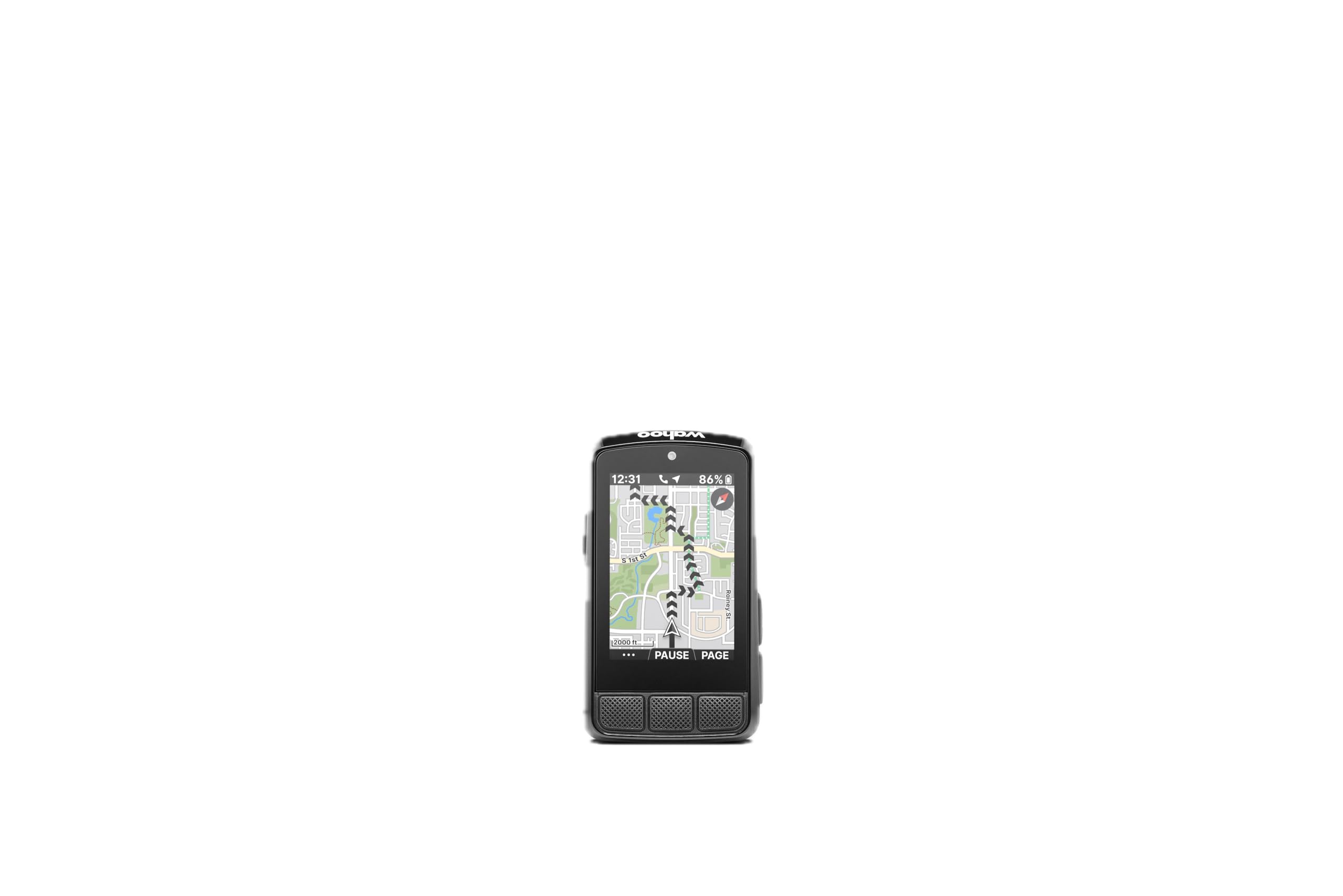
Wahoo ELEMNT BOLT V3

Wahoo ELEMNT BOLT V3

Simple route navigation

Our Score 9.0/10
Check Price

Worth Noting

  • Small screen limits map detail
Navigation
Turn-by-turn
Screen Size
2.3 inches
Battery Life
20 hours
Water Resistance
IPX7
Read the full review

The ELEMNT BOLT V3's 2.3-inch color screen is smaller than the Garmin units here, and the button layout is the first thing you notice. That's the point: every control is tactile, and you can move between data pages without looking down for a touch target. We like it for riders who want simple route navigation and a computer that stays out of the way.

Wahoo's setup is app-driven, and routes from Strava, RideWithGPS, Komoot, and GPX files arrive with turn-by-turn prompts. The BOLT will also generate a route on demand from a point on the map, which is handy when a planned loop gets cut short. Battery life is rated at 20 hours, the body is IPX7, and ANT+, Bluetooth, and Wi-Fi cover sensors, phone alerts, and radar.

The app is the part we had to slow down for; once routes sync, the unit is refreshingly quiet. The buttons and clear prompts make this the easiest premium navigator to live with, and the compact body leaves room on the bars for a light or a bell. If you want to study a large map while riding, the Garmin Edge 840 is the better tool. For following a route without fuss, the BOLT is the one we reach for.

Bottom line: We like the BOLT V3 for riders who want simple route following, tactile buttons, and a compact computer that doesn't demand a touchscreen.

#4

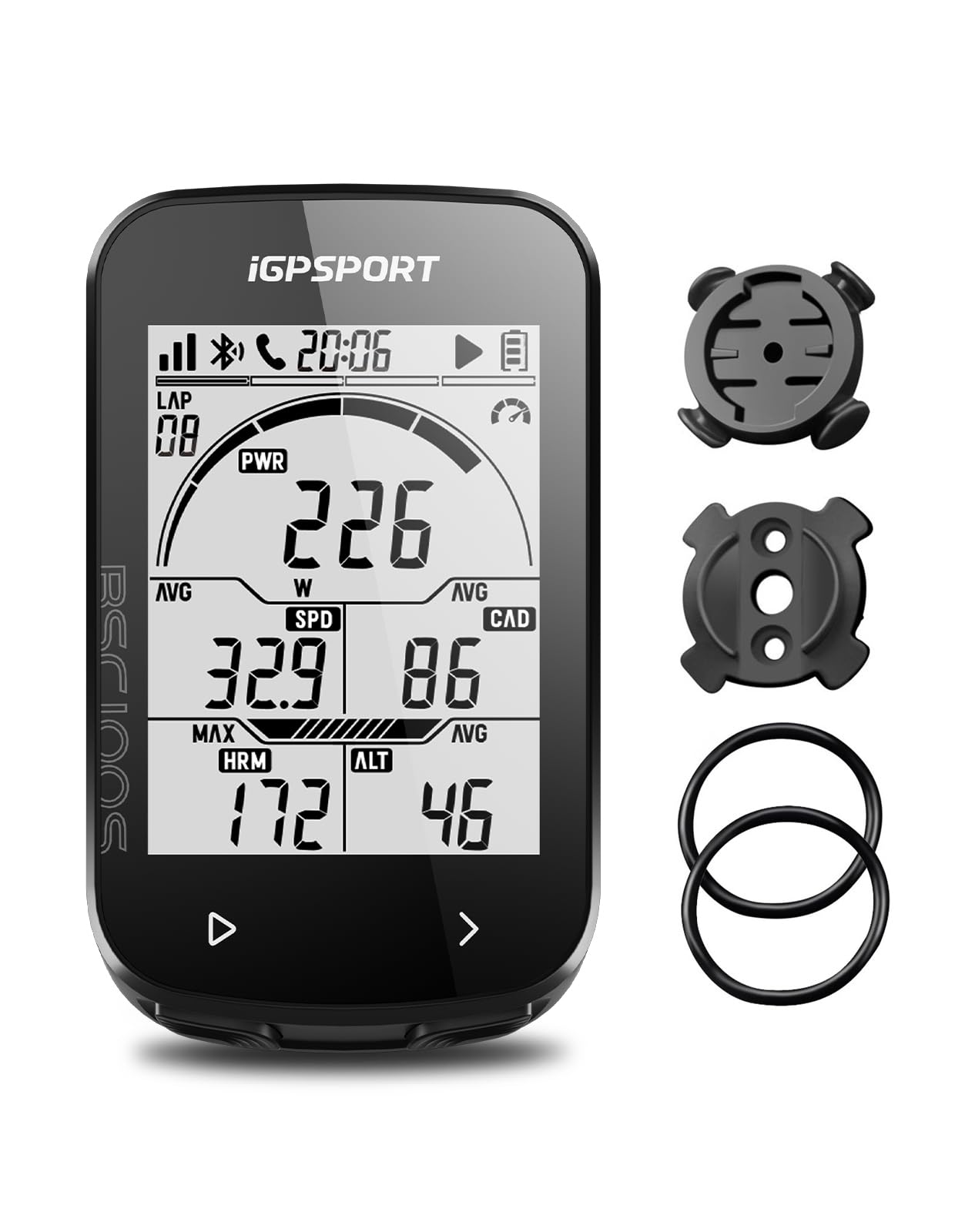
iGPSPORT BSC100S

iGPSPORT BSC100S

Large-screen budget GPS

Our Score 8.8/10
Check Price

Worth Noting

  • Phone-app setup can be frustrating
  • No maps or route guidance
Screen Size
2.6 inches
Battery Life
40 hours
Connectivity
Bluetooth, ANT+
Water Resistance
IPX7
Read the full review

The iGPSPORT BSC100S leads with a 2.6-inch anti-glare screen, which is the largest display among the budget GPS units here. It's a button-controlled unit with a 40-hour battery rating, IPX7 water resistance, and Bluetooth plus ANT+ connectivity. The size is the reason to look: speed and distance are easy to read without squinting.

The computer supports more than 40 ride data fields, including speed, distance, grade, cadence, calories, time, and temperature, and the iGPSPORT app handles analysis and sharing to Strava and Komoot. That's a lot of data for the money, and the screen can show a useful cluster of it at once. For riders who want a big data display, it makes sense.

The part that gives us pause is long-term confidence. Some units have frozen or stopped after initial setup, so we treat this as a value play rather than a set-and-forget computer. Buy it from a seller with a straightforward return policy and test it thoroughly in the first week.

We recommend it for riders who want a large, readable data screen at the budget end and can live with a simpler feature set. It is not the computer for someone who wants Garmin-level integration. But if your rides are familiar and your priority is seeing speed, distance, and sensor data clearly, the screen and battery make it worth a close look.

Bottom line: We see the iGPSPORT as a budget data screen for riders who want a large display and long battery and can live with a simpler feature set.

#5

CATEYE Velo 7

CATEYE Velo 7

Basic wired tracking

Our Score 8.8/10
Check Price

Worth Noting

  • No backlight for low light
  • Wired installation takes more care
Sensor Type
Speed sensor
Battery Life
3 years
Connectivity
Wired
Display Size
2.17 inches
Read the full review

A wire and a three-year battery are the Velo 7's whole argument. There's no charging, no pairing, and no app; the wheel sensor sends speed to a 2.17-inch display, and the unit handles current, max, and average speed, trip and total distance, elapsed time, and a clock. For a beginner who wants the basics without a new charging habit, we think it's the simplest buy here.

The display is clear and the one-button operation is easy to learn, though the setup instructions are the weakest part of the package. Once the wheel circumference is entered, the computer starts and stops with the bike and keeps a reliable total. It's a tool for road, gravel, or mountain bike rides, and the wired connection means no wireless dropouts. If you want cadence, heart rate, GPS, or ride uploads, this isn't that computer; if you want to know how far and how fast, it's all you need.

The value is in the quietness of the system: no battery to charge, no app to open, no pairing screen. The display shows one big number at a time, and the auto start/stop means the clock stops when you do. We like that for a commuter or a first road bike because there is nothing to remember before a ride. It won't grow with you into training metrics, but it does its small job well.

Bottom line: The wired CATEYE Velo 7 is the simplest computer here for beginners who want speed, distance, and a battery that lasts for years.

#6

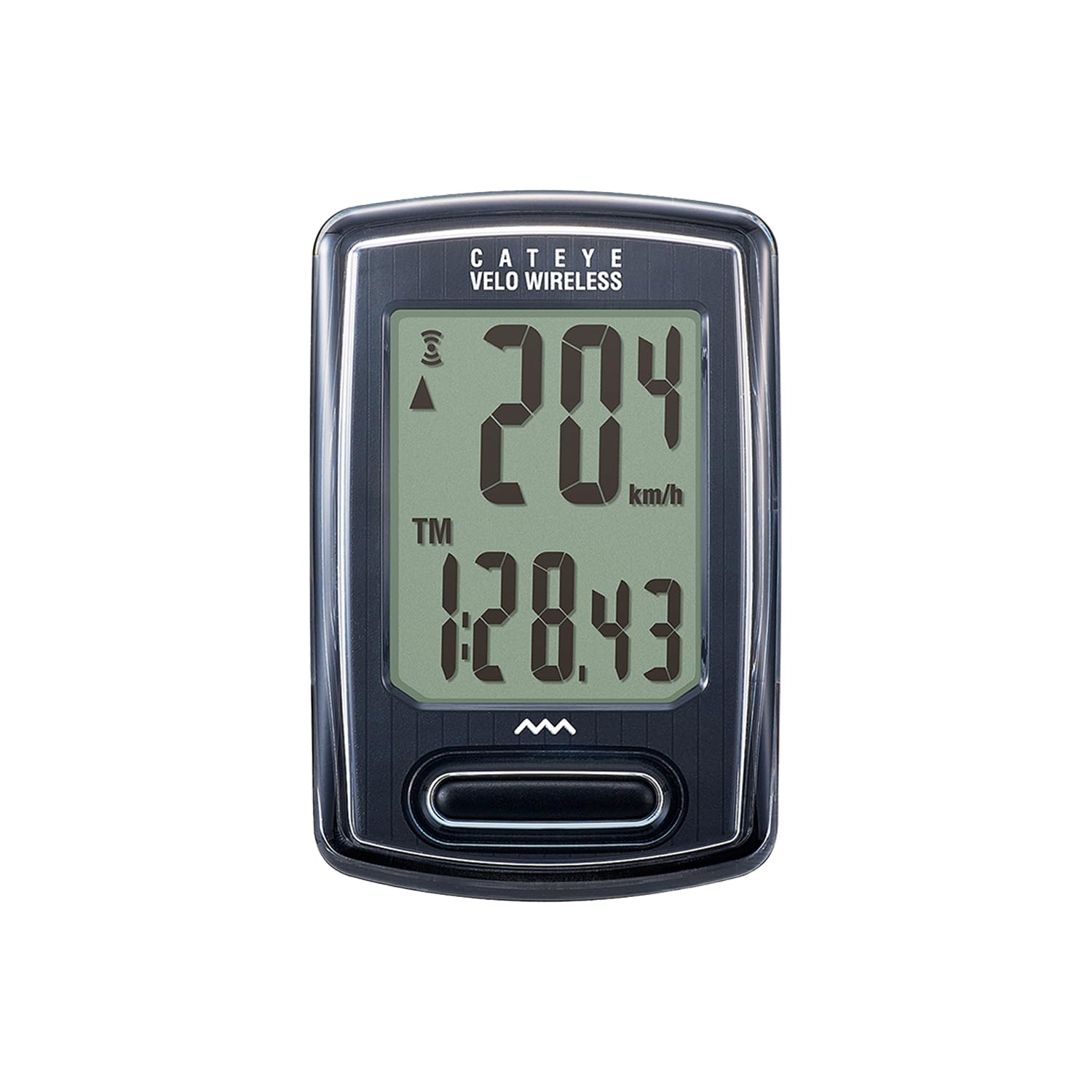
CATEYE Velo Wireless

CATEYE Velo Wireless

Wire-free basic tracking

Our Score 8.8/10
Check Price

Worth Noting

  • No GPS or app ride uploads
  • Compact display
Weight
1.12 oz
Sensor Type
Speed sensor
Connectivity
Proprietary wireless
Water Resistance
IP65
Read the full review

The Velo Wireless does one thing differently from the wired Velo 7: it cuts the cable. A proprietary wireless speed sensor sends the data, and the head unit adds calorie tracking, a programmable odometer, auto start/stop, and the usual speed, distance, time, and clock fields. At 1.12 ounces, it barely changes the look of the cockpit.

The display is clear and the single button cycles through the data, so it's easy to operate with one hand. The programmable odometer is a small but useful touch: you can carry your total mileage over when the battery changes instead of starting from zero. Setup is straightforward once the wheel size is in, and the IP65 rating covers rain and road spray.

Wireless is the convenience, but it is not as bulletproof as a wire. Keep the sensor within range of the head unit, check the gap at the wheel, and watch for dropouts on the first few rides; a poor placement can make the signal intermittent. That's the trade-off for a cleaner handlebar, and for most recreational riders it's a fair one.

We recommend it for riders who want basic speed and distance without running a cable. It is a modest computer, but the calorie field and programmable odometer give it a little more usefulness than the simplest wired units. If you want the lowest-fuss setup and don't mind the wire, the Velo 7 is the better value; if you want a clean cockpit, this is the one.

Bottom line: We recommend the Velo Wireless for riders who want basic speed and distance with a cleaner cockpit and a simple, wire-free setup.

#7

CooSpo BC107

CooSpo BC107

Long-battery GPS rides

Our Score 8.6/10
Check Price

Worth Noting

  • No maps or turn-by-turn guidance
  • Cannot show current and average speed together
Screen Size
2.4 inches
Battery Life
80 hours
Connectivity
ANT+
Water Resistance
IP67
Read the full review

The CooSpo BC107 is rated for 80 hours of riding, which is the longest battery figure in this group by a wide margin. It does that with a 2.4-inch screen, IP67 water resistance, and ANT+ sensor support, so it can pull in heart rate, speed, cadence, and power data. It records rides and syncs them to the CooSpoRide app and Strava.

The screen is set up for data fields. You get speed, distance, time, elevation, and sensor metrics, and the app lets you customize what appears. That makes it a good fit for training rides and commutes on roads you already know. The 80-hour rating means you can go weeks of daily riding between charges, which is the kind of convenience that disappears from your mental checklist.

We see it as a training computer for riders who would rather spend their money on battery and sensor support. It is happiest on structured workouts and familiar loops, where the numbers matter more than a map. For exploring new roads, the GEOID or Garmin picks make more sense. For everything else, the long battery and broad sensor pairing make it a smart budget buy.

Bottom line: The CooSpo earns its place with exceptional battery life, ANT+ sensor support, and a data-first screen for riders who train by numbers.

#8

GEOID CC600

GEOID CC600

Budget color navigation

Our Score 8.4/10
Check Price

Worth Noting

  • Menu logic takes patience
Navigation
GPX route navigation
Screen Size
2.4 inches
Battery Life
24 hours
Connectivity
ANT+, Bluetooth, USB, Wi-Fi
Read the full review

The GEOID CC600 puts a 2.4-inch color screen and real route navigation into the budget end of this group. It supports GPX uploads, turn reminders, and on-device rerouting, and it pairs with ANT+, Bluetooth, and Wi-Fi. The 24-hour battery rating is enough for most day rides, though it trails the longest-running budget GPS units here.

We think it's the budget pick for riders who want a map and don't want to pay premium prices for one. The color screen makes junctions easier to read than a monochrome data display, and the rerouting feature is genuinely useful when you miss a turn. It also pairs with a wide range of sensors, including heart rate, speed, cadence, power, smart trainers, and electronic shifting.

The catch is polish. The screen is bright and easy to read, and the route prompts are clear, but the whole package doesn't feel as refined as the Garmin or Wahoo units. That's the trade-off for the price. If you want color navigation on a budget and can live with a less polished interface, this is the one we point to.

Bottom line: Budget-minded riders who want color mapping, GPX routes, and rerouting should look at the CC600; it delivers the navigation basics without a premium price.

How We Tested These Bike Computers

We started by collecting every computer a normal rider might actually buy — wired units that count wheel revolutions, budget GPS pucks with no mapping, and full navigators — and cut anything whose mount looked flimsy or whose listed specs contradicted themselves. That left 11 units. I rode them for eight months across a commuter, a gravel bike, and an indoor trainer, moving several onto a second bike mid-test to see whether the mounts and the pairing survived the swap.

Each one got the same opening test: install it from the box without help, and time it. I noted whether the mount was zip ties, a quarter-turn bracket, or something that needed tools, and whether a speed reading appeared before I lost patience. My partner, who had never set one up, then paired two of them with a phone and a speed sensor using only the included instructions, which sorted the clear interfaces from the confusing ones fast.

Accuracy was checked on a measured 10-mile loop, first in the open, then under tree cover and between buildings, to see whether distance held and whether the signal dropped. Screens were judged at noon through sunglasses and again at dusk. I missed turns on purpose to find out whether a unit rerouted or just beeped. Every battery was run flat to compare real runtime with the claim, and everything got ridden through rain and one genuinely alarming puddle.

At the end I weighed what each one asked of me — charging cadence, app fiddling, whether settings synced over Wi-Fi or needed a cable — against what it gave back on the bike. The units below are the ones still mounted.

How to Choose a Bike Computer

Start With Navigation, Not Screen Size

A data-only GPS unit gives speed, distance, elevation, and sensor metrics. A navigator adds maps, turn-by-turn prompts, and rerouting. If you ride familiar loops and train by numbers, a data screen like the CooSpo or iGPSPORT is enough. If you explore, a mapped unit like the Garmin Edge 840 or GEOID CC600 earns its keep. Don't pay for maps you won't use, and don't buy a data-only unit if missed turns ruin the ride.

Choose Controls You Can Use With Gloves

Touchscreens are great for panning maps and tapping fields, but they can be fussy with winter gloves or wet hands. Physical buttons give tactile feedback and work in weather; the trade-off is more presses to move around a map. The Garmin Edge 840 gives you both, the Edge 540 and Wahoo ELEMNT BOLT V3 are button-only, and the budget units mostly use buttons. If most of your riding is in gloves or rain, prioritize buttons. If you build routes on the device and pan maps often, touch is worth having.

Match Battery Life to Your Longest Ride

Battery ratings range from a few days of riding to months, and the number that matters is your longest ride plus a buffer. A 20-hour unit covers most century rides; an 80-hour unit like the CooSpo lasts weeks of commutes. Basic wired computers like the CATEYE Velo 7 run for years on a single battery, but they don't record GPS tracks. Think about charging cadence, not just the headline figure: a USB-C port and a quick top-up can matter more than a huge battery if you forget to charge.

Decide How Much Accuracy You Need

GPS is convenient, but speed and distance can lag under trees, tunnels, and tall buildings. A wheel sensor gives consistent speed and distance because it counts revolutions; GPS gives you routes and elevation without a sensor. Many computers pair with both. If you care about precise distance or train indoors, add a speed sensor. If you mainly follow routes and want elevation data, a barometric altimeter helps, but don't expect GPS altitude to be as steady as a barometric reading.

Check the Mount, App, and Sensor Ecosystem

The computer is only as good as its mount and the app behind it. Check that the mount fits your bar diameter, that the head unit locks securely, and that you can reach the buttons from the hoods. On the software side, decide whether you need ANT+ for heart rate, cadence, and power, Bluetooth for phone alerts, and Wi-Fi for ride uploads. A simpler app can be a gift; a fussy one turns every ride into a setup session. We prioritize a secure mount and a clean app over one extra data field.

Frequently Asked Questions

Final Verdict

For most riders who want one computer for mapped rides, training, and sensor data, the Garmin Edge 840 is our top pick. It combines a readable 2.6-inch touchscreen, physical buttons, multi-band GPS, and long battery life in a package that covers road and gravel sessions.

Choose the Garmin Edge 540 if you prefer buttons and don't need touch, or the Wahoo ELEMNT BOLT V3 if you want simpler app-based route following. Riders who only need speed and distance can save with a CATEYE and skip the charging routine entirely.